
Dues News
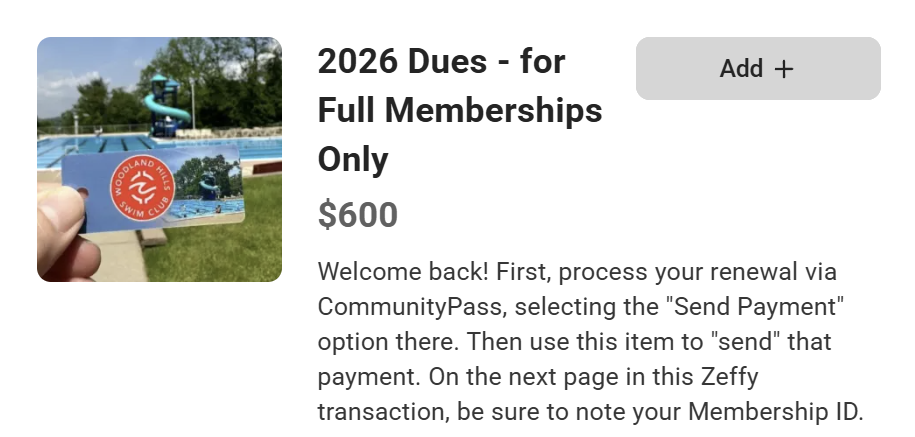
Is the thought of transaction fees keeping you from paying your dues by credit card? We’re with you.
That’s why we’ve selected a special payment platform called Zeffy. Tons of convenience and no fees at all - for you or for the Club - meaning an $18 savings for us members!
Take a look at our step-by-step guide below.
Zeffy is just for nonprofits, and it’s funded solely by voluntary contributions. That means 100% of your payment goes straight to Woodland Hills.
If you like Zeffy's idea and you want to support them in helping nonprofits, you're welcome to select a fee amount from the dropdown at the end of your transaction, of course. Remember, though - that's optional. If you'd prefer to make your own choice, just select "Other" and enter $0.00 or another amount.
We're dipping a toe into the Zeffy pool here, with Full Memberships only, and we want to know if it’s fine. So please do share your feedback.
Here are the steps:
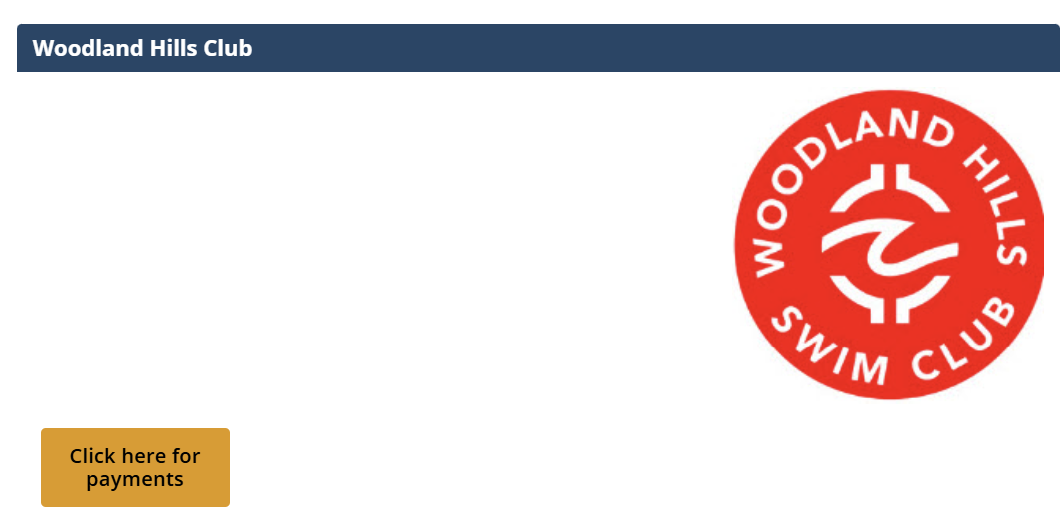
1. Log in at CommunityPass, tap “Click here for payments,” and verify your account details.
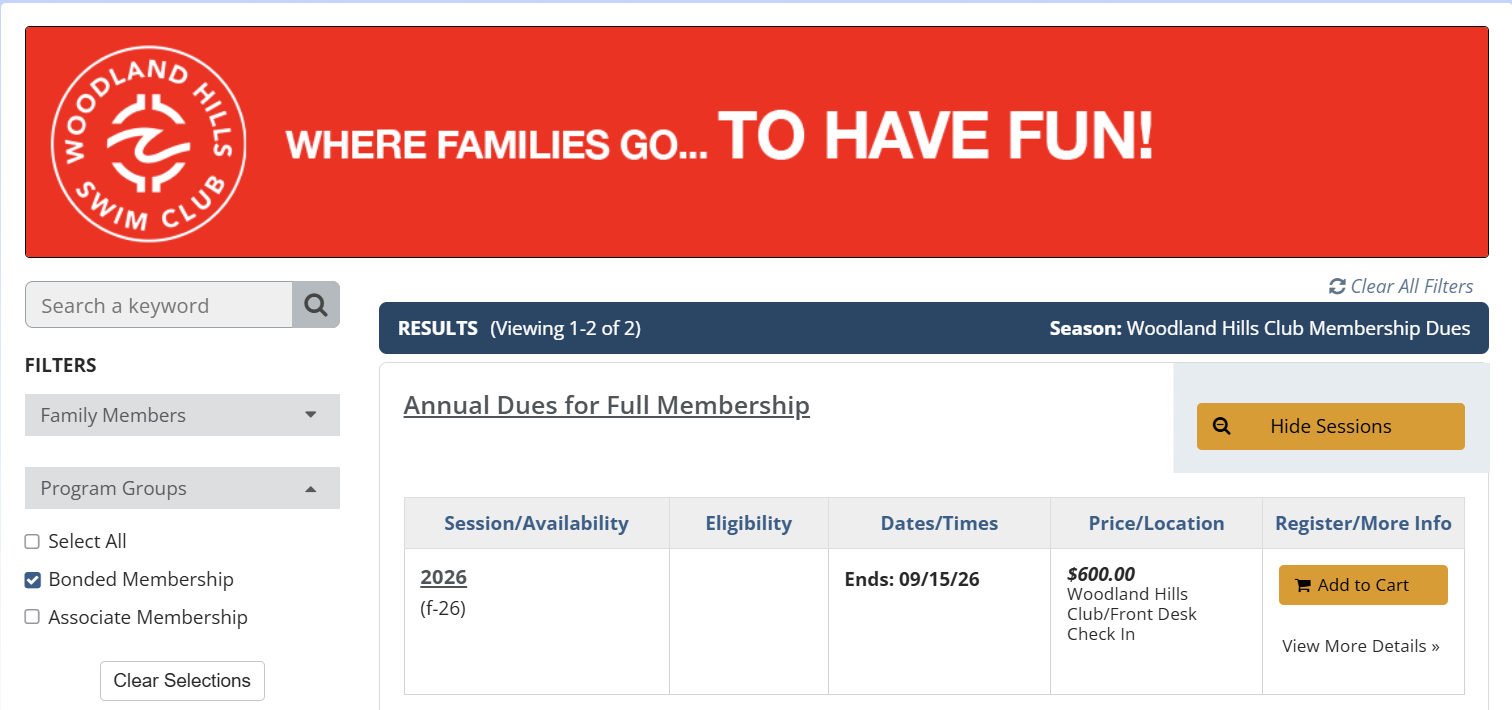
2. Place the Annual Dues “session” in your cart and choose “Send Payment” as your payment method.
“Zeffy was great! I prefer to pay w a card online because it's faster for me (and you get my money faster!) but I would not do it if I had to pay a fee. Thanks for making that available!"
“Just used it! So easy!!!”